TikTok transcription
What to expect from a tiktok video to text converter online free
A TikTok clip can contain speech, music, captions, and text that never appears in the audio. Decide which of those you need before you transcribe video to text, then check the result against the clip rather than treating it as a finished record.
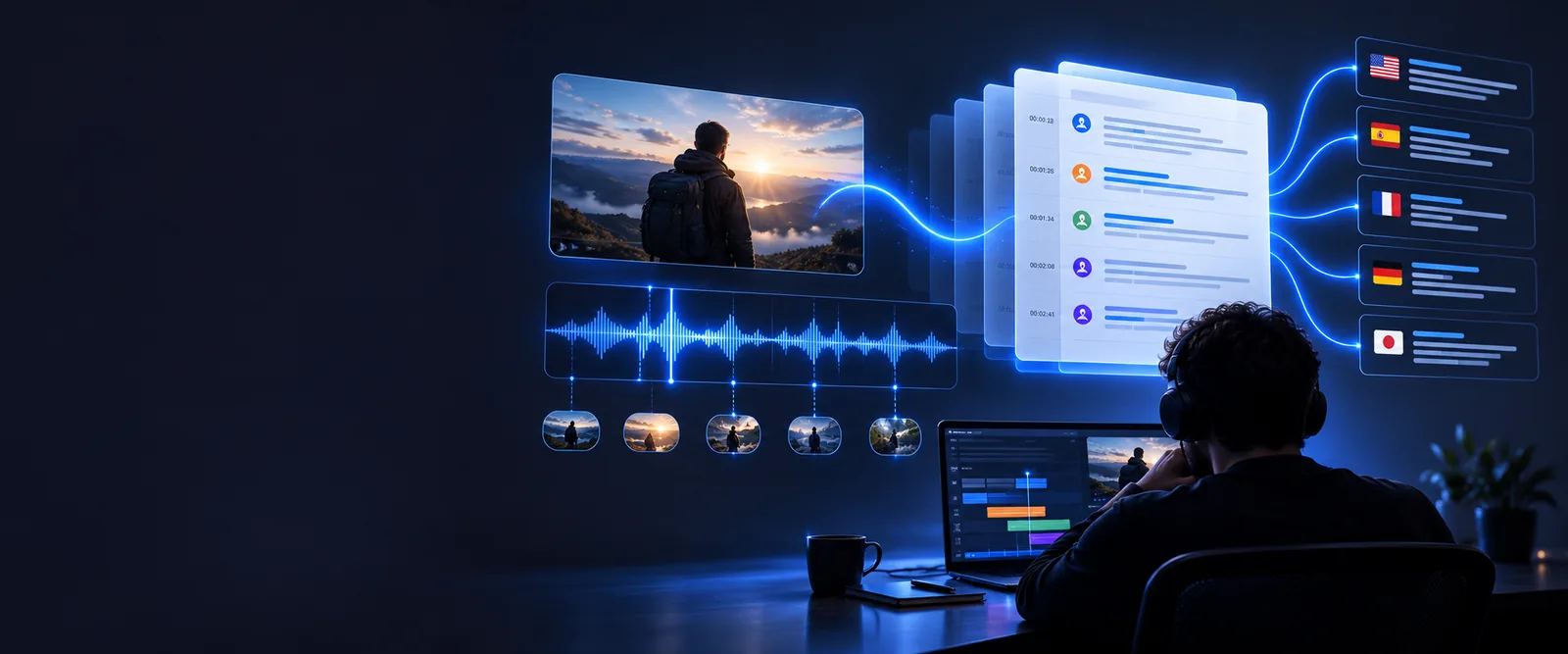
What this scenario must deliver
The useful output is a readable record of what was said, with uncertainty visible. A pasted link alone is not a transcript, and visible captions may not match the audio.
- facebook video to text transcription free Compare the checks needed when a clip comes from a Facebook post.
- youtube video to text converter online free See how a longer YouTube video changes the transcript-review workflow.
- transcribe a video link to text free Check what to do when you have a video URL rather than a saved file.
Check each item before you use the transcript
A short clip still needs three distinct checks: the source, the spoken content, and the final wording.
-
1
Confirm the clip you can provide
Use a video you have permission to process. Determine whether the destination accepts your saved file or a link; a public TikTok URL does not guarantee that another service can fetch its audio. If the link is inaccessible, obtain an authorized copy rather than assuming a failed import means the clip has no speech.
-
2
Specify what counts as text
Ask for spoken words if you need a dialogue transcript. If you also need burned-in captions, hashtags, or text overlays, treat those as a separate visual transcription task: audio transcription cannot establish what appears on screen. Identify speakers where you can, and mark overlapping voices or lyrics as uncertain rather than guessing.
-
3
Replay and correct the result
Listen to the clip while reading the draft. Check names, slang, clipped opening words, and speech covered by music; those are easy to mishear even in a brief video. Add punctuation for readability without changing the speaker's meaning. Before quoting or publishing, distinguish verified words from passages you could not confirm.
Set a quality bar the audio can support
Neither a search for an online free tool nor a clean-looking draft proves that every word is correct. These limits are worth checking before the transcript is reused.
A link may not be an accepted input
Availability depends on the destination's current input options and the video's accessibility. Private, removed, or restricted posts may not be retrievable even when the URL opens for you.
What to do instead
Check supported inputs at the destination; use an authorized saved copy if that route is available.
Free access is not established here
The phrase online free describes the search, not a verified entitlement. Access conditions and any limits belong to the destination and can change.
What to do instead
Read the destination's current terms before providing a clip or relying on a particular level of access.
Audio cannot verify screen text
Subtitles, stickers, and title cards can disagree with the speaker or contain information never spoken aloud. A speech transcript should not silently fold those words into the dialogue.
What to do instead
Review the video visually and label any on-screen wording separately from the spoken transcript.
Noise can hide important words
Music, sound effects, voice filters, and rapid edits can obscure a name or reverse the meaning of a sentence. An apparently complete transcript can still contain confident-looking errors.
What to do instead
Replay difficult moments and mark unresolved words as unclear instead of inventing a precise quote.
Common rework: separate the clip from the checked text
Use the visual pair as a workflow reminder, not as proof that a particular result has been generated from your video.
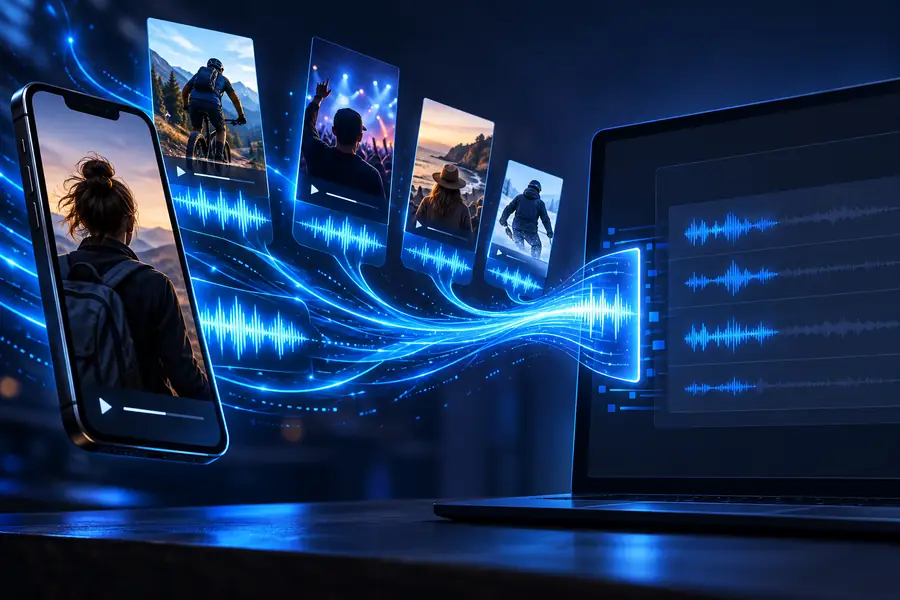
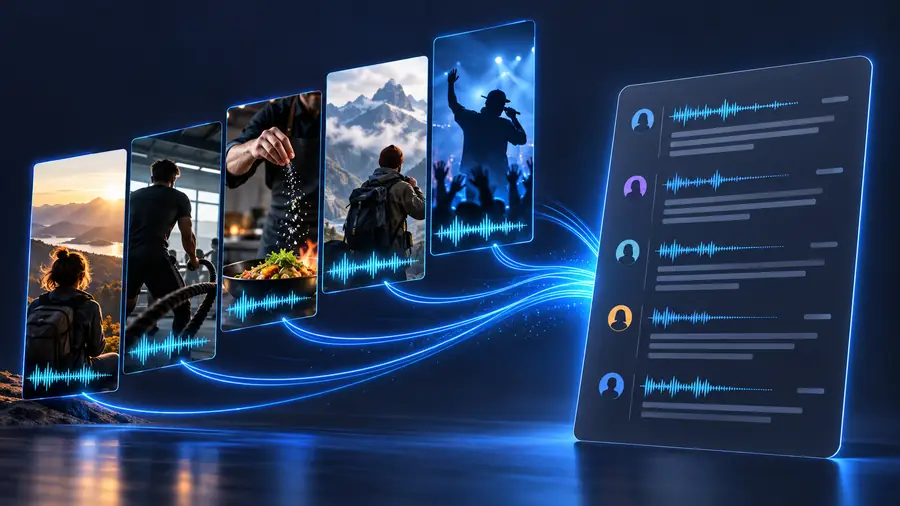
A practical before-and-after record preserves the clip as the source and keeps edits traceable. If a caption reads differently from what you hear, record the spoken version in the transcript and note the caption separately. When you transcribe video to text for a quote, replay the relevant seconds before sharing it.
Video and unverified captionsReviewed speech transcriptStart with the clip you are allowed to use and a clear request for spoken words. At the destination, confirm its current input and access options before proceeding. Then compare any draft with the original audio, especially where music, cuts, or on-screen captions could change your interpretation.
Prepare a transcript you can check
- Keep speech and screen text separate
- Mark words you cannot verify
- Review quotes against the clip
TikTok transcription FAQ
That depends on whether the destination accepts video links and can access the particular post. A link to a private, deleted, or restricted clip may not work; check the destination's supported inputs before relying on a URL.
No. The search wording does not establish the destination's current access terms, supported inputs, or limits. Review those conditions before you provide a video.
A speech transcript records what can be heard; it does not, by itself, verify words displayed on screen. If you need captions or overlays too, review the video and label that visual text separately.
Replay the video while following the draft, paying particular attention to names, slang, music-covered speech, and words cut off by edits. Mark anything you cannot hear confidently instead of turning a guess into a quotation.
Verify the exact passage against the original audio first, including any context before and after the sentence. If the wording remains unclear, do not present the draft as an exact quote.