Interviewers
Turn a recorded interview into searchable text before selecting quotes or themes.
You can scan the conversation quickly, then return to the video for exact wording and context.
Online transcription
Transcribe video to text online free with a focused path from video upload to usable written notes. Start with your own file, review the result, and shape the transcript for study, content, or reference.
Before you begin
A smooth online transcription session starts with a few practical checks. These limits help you decide whether this route fits the video you have.
An online workflow cannot retrieve a private recording that you cannot open or upload. Have the file or an accessible source ready before starting.
What to do instead
Use the video file you control, or check its sharing permissions first.
Background noise, overlapping speakers, music, and distant microphones can make words harder to identify accurately.
What to do instead
Choose the clearest version of the recording and review names, numbers, and technical terms.
Automatic text is a useful first pass, not a guarantee that every word, speaker change, or punctuation mark is perfect.
What to do instead
Listen back to important sections and correct details before publishing or quoting them.
Uploading or opening a large video can take longer on a weak or unstable connection.
What to do instead
Use a reliable network and keep the source file available until the workflow is complete.
Simple workflow
The online route is easiest to manage when you separate preparation, transcription, and review instead of treating the first draft as final.
Choose the video you want to work with, confirm that its audio is understandable, and decide what the transcript is for. A clear purpose makes review faster because you know which passages matter most.
Open the transcription workspace, provide the video, and request a text version. Keep the request specific about the source and the kind of readable output you need.
Read through the transcript against the video, fix names and figures, add useful paragraph breaks, and remove obvious recognition errors before sharing it.
Related routes
Choose a more specific path when the source or destination matters more than a general online workflow.
Choose your approach
An online workflow is convenient, but it is not the only way to create text from video. Compare the practical trade-offs before choosing a route.
| Online transcription workspace | Manual transcription | |
|---|---|---|
| Starting point | Upload or provide the video in a web-based workflow | Play the video and type while listening |
| Setup effort | Low initial setup; the main task is preparing the source | Requires a player, text editor, and a repeatable note-taking method |
| Draft speed | Creates a first text version without typing every word | Progress depends directly on listening and typing speed |
| Review responsibility | You still verify names, numbers, speaker changes, and unclear audio | You make every wording decision while creating the transcript |
| Best fit | Interviews, lectures, meetings, clips, and research notes that need a draft | Short clips, highly sensitive material, or cases needing deliberate word-by-word control |
| Main limitation | Recognition can struggle with noise, accents, overlap, or specialist vocabulary | Long recordings can require substantial time and repeated playback |
| Output usefulness | A searchable text draft that can be edited into notes or captions | A hand-shaped transcript whose structure depends on your process |
Practical applications
Different viewers need the transcript for different reasons. These examples show where an online first draft can reduce repetitive listening.
Turn a recorded interview into searchable text before selecting quotes or themes.
You can scan the conversation quickly, then return to the video for exact wording and context.
Convert a recorded lecture or study video into notes that are easier to review later.
The transcript gives you a written starting point for summaries, questions, and revision.
Create a text draft from a video before adapting it into an article, newsletter, or social post.
Editors can work from the spoken material without repeatedly scrubbing through the full recording.
Make recorded observations or discussions easier to search and compare across a project.
A text layer helps you locate recurring terms and passages before deeper analysis.
From source to text
The difference between a useful transcript and a frustrating one usually appears in the source audio, not in the idea of using an online workflow.
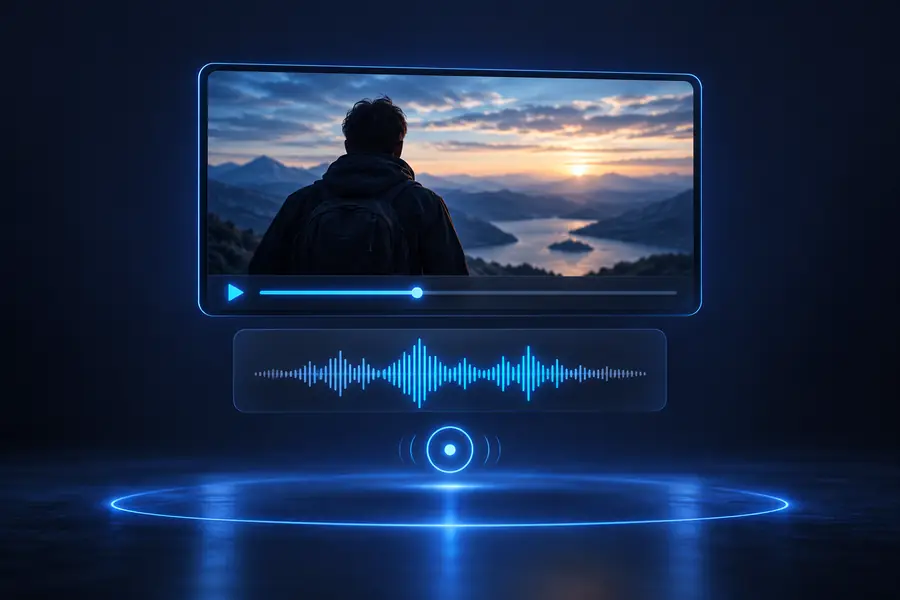
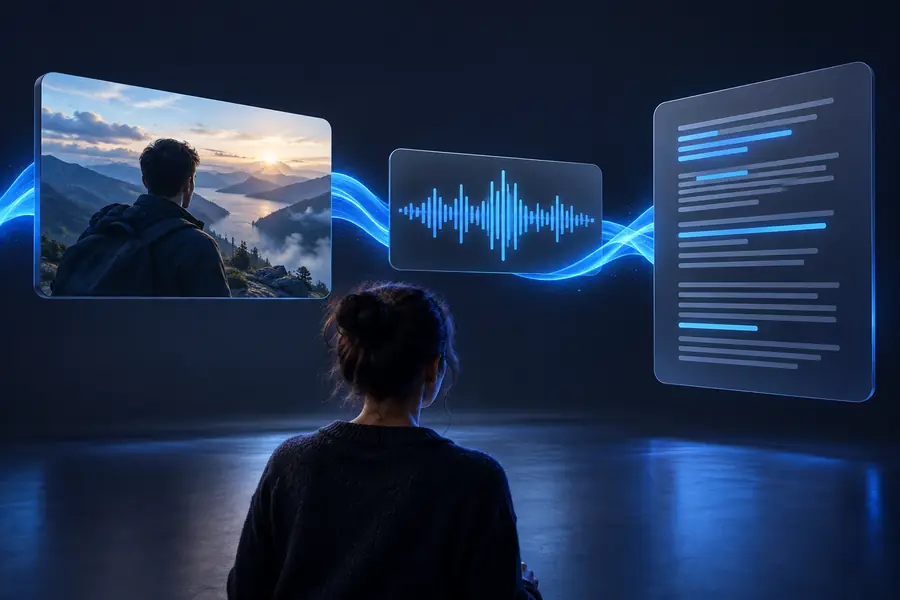
A first draft becomes valuable when important passages are checked against the original audio.
Before: source videoAfter: reviewed transcriptStart with your video
Bring your recording into a focused transcription workflow, then review the result with the source still close at hand. It is a practical way to move from watching to searching, editing, and sharing.
Common questions
Answers to common searches about using an online route to turn video speech into text.
You can explore an online transcription workflow without installing a desktop editor, but the exact availability and access conditions depend on the tool you use. Always review the resulting text before treating it as a final record.
Prepare a video you can access, open the transcription workspace, and provide the source with a clear request. After the first draft is produced, check names, numbers, speaker changes, and unclear passages against the recording.
Choose a route that matches your source: an uploaded file for a local recording or a link-based workflow when the video is shared online. Clear audio and a careful review usually matter more than adding unnecessary steps.
An online transcript can be a useful draft for research, notes, interviews, and content preparation. For legal, medical, academic, or published material, verify the wording and sensitive details against the original video before relying on it.