Practical tutorial
How to use transcribe video to text online with confidence
This guide shows how to use transcribe video to text online from preparation through review. Follow the workflow to turn spoken content into a transcript that is easier to search, edit, quote, and share.
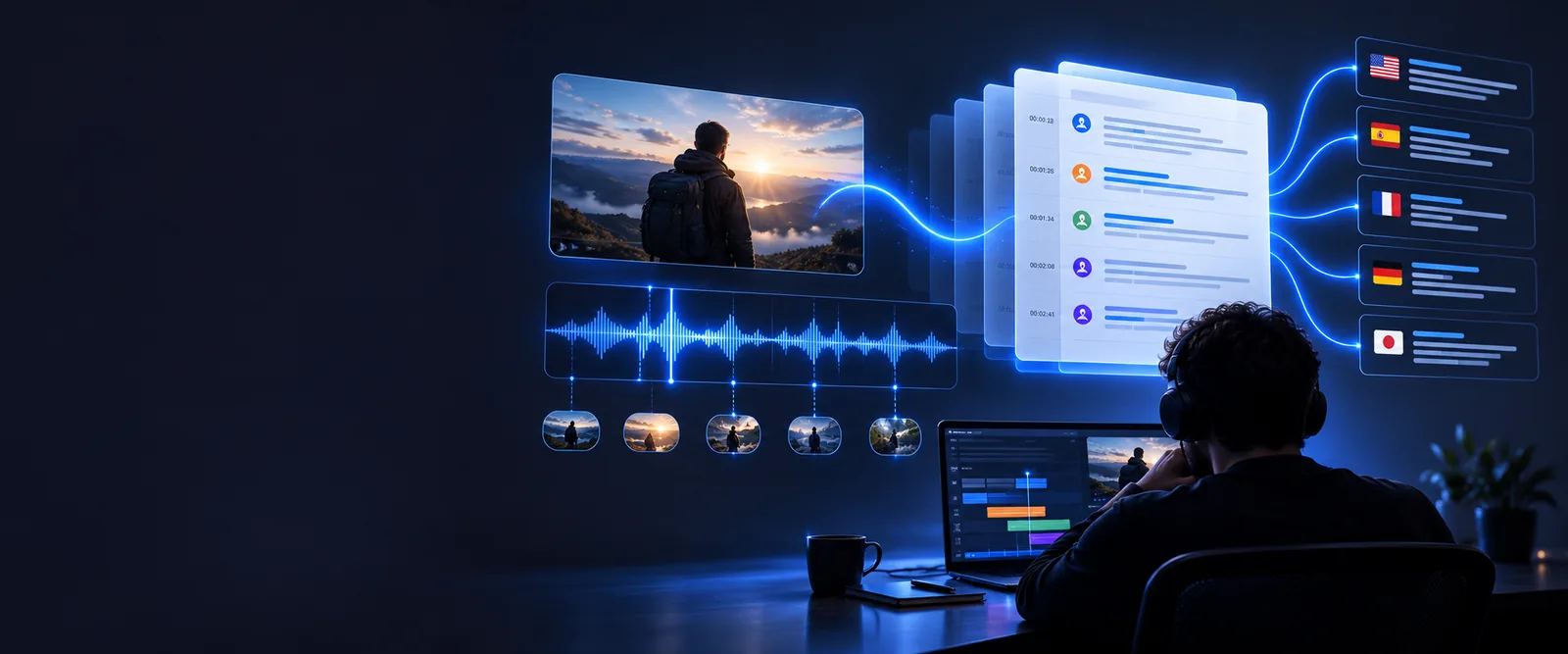
Numbered steps: prepare
Use these related guides when your source comes from a specific platform or arrives as a link.
- transcribe video to text online free This page focuses on using an online workflow when you want to work directly in a browser.
- transcribe a video link to text free Use this route when the material is identified by a shareable video link rather than a local file.
- youtube video to text converter online free This guide is tailored to extracting spoken content from a YouTube video.
Numbered steps: transcribe
Move through the process in order, then reserve time for a human review instead of treating the first draft as final.
-
1
Prepare the source
Choose the clearest version of the video you have. Check that the audio is present, the main speakers are audible, and the file or link is available to the transcription workflow.
-
2
Describe the output
State what you need in the prompt or instruction: a plain transcript, speaker labels, paragraph breaks, timestamps, or a concise structure for notes. Specific instructions make the result easier to use.
-
3
Run the transcription
Send the video through the tool and wait for the first draft. Keep the original recording open so you can compare wording, names, numbers, and moments where speech overlaps.
-
4
Review and refine
Listen back to uncertain passages, correct proper nouns and punctuation, then remove accidental fragments. Save the cleaned transcript with a descriptive filename and date.
Common errors and fixes
The first draft is useful, but a quick comparison with the source recording catches the mistakes that matter most.

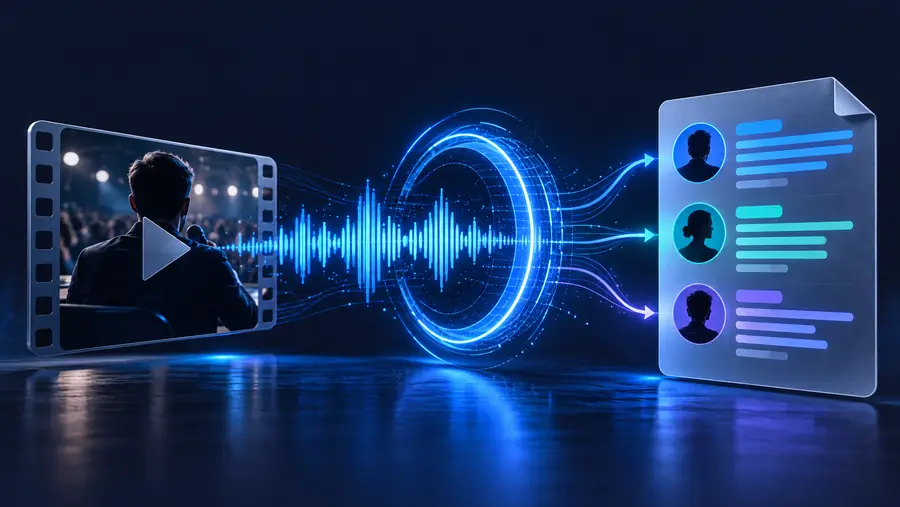
Compare the text with the audio before publishing.
Before: raw sourceAfter: reviewed transcriptCommon errors and fixes: limitations
Online transcription is a strong first pass, not a guarantee that every word, speaker, or technical term will be perfect.
Low or uneven audio
Background music, room echo, clipped microphones, and distant speakers can make words indistinct.
What to do instead
Use the cleanest source available and replay uncertain lines against the original recording.
Overlapping speakers
When people talk at the same time, a transcript may merge their words or assign a sentence to the wrong person.
What to do instead
Mark the passage for review, then separate speakers manually where the recording allows it.
Names and specialist terms
Names, acronyms, product labels, and uncommon vocabulary are easy to mishear or normalize incorrectly.
What to do instead
Search the transcript for likely terms and verify each one against the video, notes, or an authoritative reference.
Visual meaning is missing
A transcript records spoken language but may not capture on-screen text, gestures, charts, or silent actions by itself.
What to do instead
Add brief editorial notes when visual context is essential to understanding the passage.
Advanced tips: choose the right review level
A quick draft and a publication-ready transcript serve different purposes. Decide which standard you need before editing every line.
| Quick working transcript | Reviewed transcript | |
|---|---|---|
| Best for | Private notes, search, rough quotes, and content planning | Publishing, captions, research records, and client delivery |
| Editing time | Focus on obvious errors and unclear passages | Check wording, punctuation, names, numbers, and structure |
| Speaker treatment | Use labels only where they help navigation | Verify labels throughout and resolve speaker changes |
| Unclear audio | Mark uncertain sections for later | Replay and correct or clearly flag every important uncertainty |
| Visual context | Usually omitted unless needed for notes | Add concise notes for charts, text on screen, or meaningful actions |
| Final use | A searchable draft for internal work | A clean document ready for readers or collaborators |
Advanced tips: use a repeatable review pass
A short review routine keeps quality checks consistent across interviews, lessons, meetings, and short-form videos.
- Listen for missing or uncertain words
- 01 pass
- Check names, numbers, and speaker changes
- 02 pass
- Format the transcript for its final reader
- 03 pass
Advanced tips: make the transcript useful
Before you send the result to someone else, decide whether it is a record, a source for quotes, a set of notes, or material for repurposing. Add a clear title, identify the recording, and preserve the original version so later edits can be traced. If the transcript will support captions or public content, review sensitive names, confidential details, and statements that could be misunderstood without visual context. A careful workflow is usually faster than repeatedly correcting an unclear draft after it has already been shared.
Ready to turn a video into usable text?
- Start with the clearest source available
- Describe the structure you want
- Review important passages against the recording
Tutorial FAQ
These answers cover the basic question behind this workflow: how to create a dependable transcript from a video without skipping the review stage.
Prepare a clear video source, send it to a transcription tool, and specify the format you want. Then compare the draft with the recording and correct names, numbers, speaker changes, and unclear passages before sharing it.
Upload or provide the available source and treat the result as a first draft when background noise is present. Replay difficult sections, use a cleaner version if available, and mark any wording that cannot be verified confidently.
It may help organize a conversation, but overlapping voices, similar voices, and inconsistent audio can cause speaker mistakes. Check speaker labels against the recording and correct them before using the transcript as an official record.
Search the transcript for proper nouns, acronyms, and specialist vocabulary, then verify each item against the video or a trusted reference. Correcting these terms is especially important when the transcript will be published, quoted, or used for research.
Usually, it should be treated as a draft until you review it. Check the audio, punctuation, speaker changes, visual context, and sensitive information so the final version matches both the recording and its intended audience.