Transcribevideototext
Explore audio tools

Real-world uses

Explore transcribe video to text examples free of guesswork

See how spoken video becomes a usable draft for an interview, a lesson, or a meeting. The samples below are illustrative, not transcripts produced from a submitted video.

Check supported inputs at the destination
Video transcription interface

3 concrete workflows, across four roles

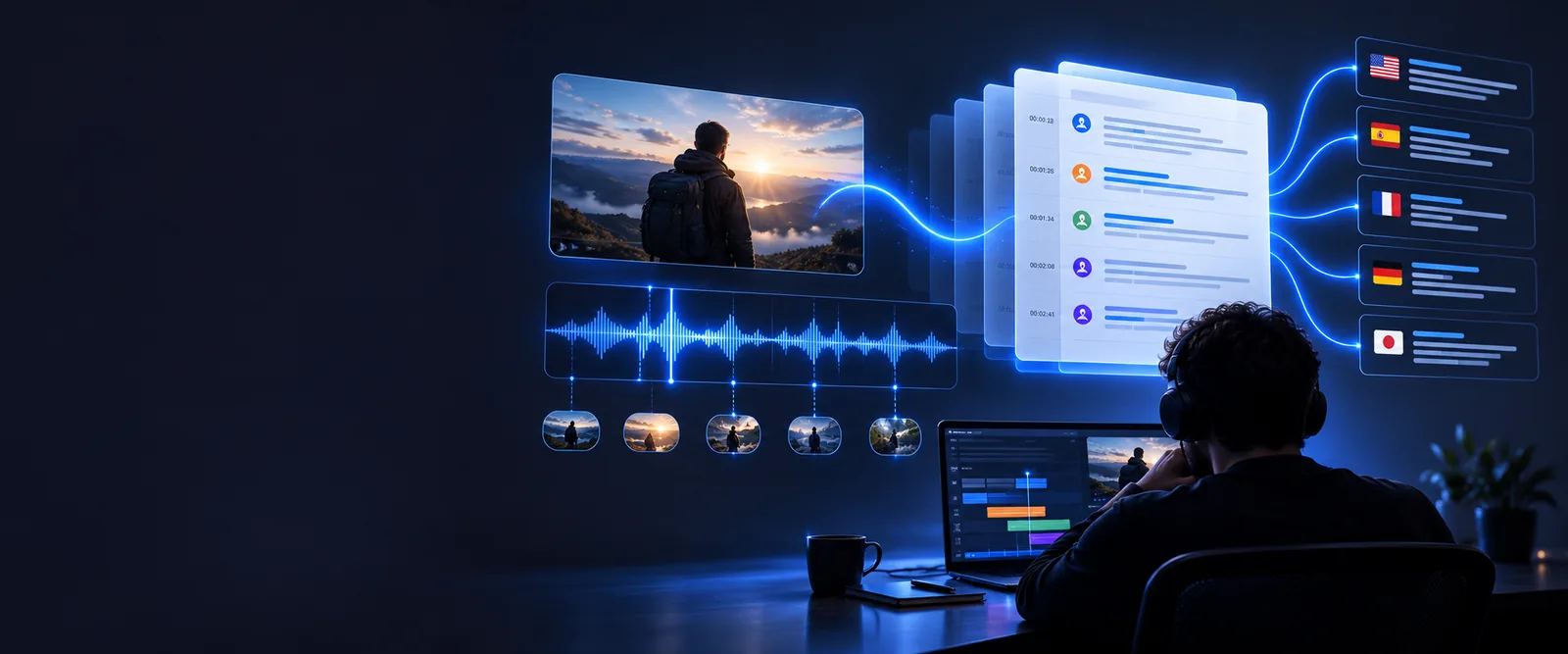
These roles share three useful workflows: capture what was said, locate a passage, and reshape checked speech for another purpose. Each starts with a draft that needs review.

Interview editor

An editor needs the exact wording of a guest's answer before selecting a short quotation. A rough transcript helps locate the passage, but the editor checks names, pauses, and the sentence against the recording before publication.

A verified quotation with enough surrounding context to avoid changing its meaning.

how to use transcribe video to text online

Course creator

A recorded lesson covers several concepts in one continuous talk. The creator uses a transcript to find topic changes, then turns the checked wording into lesson notes rather than treating every spoken aside as essential.

Structured notes that point learners back to the relevant part of the lesson.

transcribe video to text online free

Meeting facilitator

A team needs to separate decisions from suggestions in a recorded discussion. The facilitator checks who said each line and confirms proposed actions with participants before distributing a summary.

A decision record that distinguishes agreed actions from ideas still under discussion.

transcribe video to text free

Video publisher

A publisher wants a searchable written companion to a posted video. They review unfamiliar terms, remove false starts only where appropriate, and make clear whether readers are seeing a verbatim or edited version.

A readable companion text whose editorial changes are not mistaken for exact speech.

youtube video to text converter online free

Example output: from speech to checked text

This invented meeting excerpt shows what a draft might look like and where human review changes its usefulness. It does not represent output from a particular recording.

  1. 1

    Capture a first-pass line

    Illustrative spoken line: “Let's send the outline Thursday, and, um, check the figures with Maya first.” A draft should preserve the proposed timing and the condition attached to it, even if it does not capture every pause perfectly.

  2. 2

    Check the uncertain details

    Replay the relevant passage to confirm whether the speaker said Thursday, whether Maya is the correct name, and whether “check the figures” is an instruction or a suggestion. If the audio does not settle a word, mark it as uncertain rather than inventing one.

  3. 3

    Prepare the version readers need

    An edited action note could read: “Proposed: send the outline Thursday, after Maya checks the figures.” Keep the proposal label unless the recording or participants confirm that the group made a final decision.

Compliance notes before sharing a transcript

A useful transcript can still expose private speech or misstate what someone agreed to. Decide who may access the recording and the text before sending either to a service or another person.

1

Consent is not automatic

Having a video file does not establish permission to transcribe or circulate every person's remarks. Rules and expectations vary by setting and location.

What to do instead

Confirm recording and sharing permissions with the relevant people, and seek appropriate advice for regulated or sensitive material.

2

A draft cannot certify a quote

Background noise, overlapping speakers, accents, and unfamiliar names can produce plausible-looking errors. A polished sentence may also conceal an important hesitation or qualification.

What to do instead

Compare quotations and consequential statements with the original recording before relying on them.

3

A link is not proof of access

A public video URL, a private share link, and a locally held file may require different input methods. This page cannot confirm which sources the destination accepts.

What to do instead

Check the destination's current input options and use a source you are authorized to provide.

4

An edited note is not verbatim speech

Removing filler and reorganizing sentences can help readers, but it changes the form of the speaker's words. That distinction matters for quotations, minutes, and research records.

What to do instead

Label edited summaries clearly and retain the checked source passage when an exact record matters.

How the example output changes by purpose

The same short passage can support two different documents. Neither column is universally better; choose based on whether readers need evidence of speech or an actionable summary.

Checked transcript Edited action note
Primary purpose Records the wording heard in the video. Communicates the proposed next step.
Example line “Let's send the outline Thursday, and, um, check the figures with Maya first.” “Proposed: send the outline Thursday after Maya checks the figures.”
Filler words May remain when fidelity to speech matters. Usually removed for readability.
Uncertain names Flagged for replay rather than silently corrected. Included only after confirmation.
Decision status Preserves the speaker's phrasing and context. States that the action is proposed, not agreed.
Best review method Listen alongside the recording. Check against the transcript and confirm the action with participants.

Try a transcript for your own scenario

Use Transcribevideototext as a starting point for the task you have in mind, then review the destination's supported inputs and terms before submitting a video. Compare important wording with the recording, especially names, quotations, and decisions.

Turn your recording into a draft you can check

  • Start with a recording you are authorized to use
  • Review uncertain words against the audio
  • Label edited summaries separately from transcripts
Transcribe my video

Scenario FAQ

Questions about using transcript examples as a model for your own video.

Yes, the illustrative examples on this page are available to read. They are not a promise that transcription at the linked destination is free; check its current terms before submitting a recording.

You can use its distinction between spoken wording and an edited action note as a model. Replace every sample detail with what your recording actually says, and verify names, dates, and decision status.

That depends on its purpose. A verbatim research or quotation record may need hesitations, while readable lesson notes may omit them; label edited text so readers do not mistake it for exact speech.

Replay the relevant audio and check the name against an authorized source if one is available. If you still cannot confirm it, mark the passage as uncertain rather than guessing.

Do not assume access to a video gives you permission to republish its speech as text. Consider the speaker's consent, the video's rights, and any applicable privacy obligations before sharing a transcript.

Explore audio tools
Explore audio tools